Tattoo & Creative Tools / Android
In Google Play review
Tattoo Flash Sheet Maker
Your artwork. A great flash sheet.
Bring your designs together, arrange them just right, and send a polished sheet to print or share. Built for the artwork—and the everyday organization—behind your tattoo practice.
Tattoo Flash Sheet Maker is currently in review on Google Play. A download link will appear here when it is public.
From your library to the studio wall
Make your flash look the part.
Select a screenshot to view it full size.
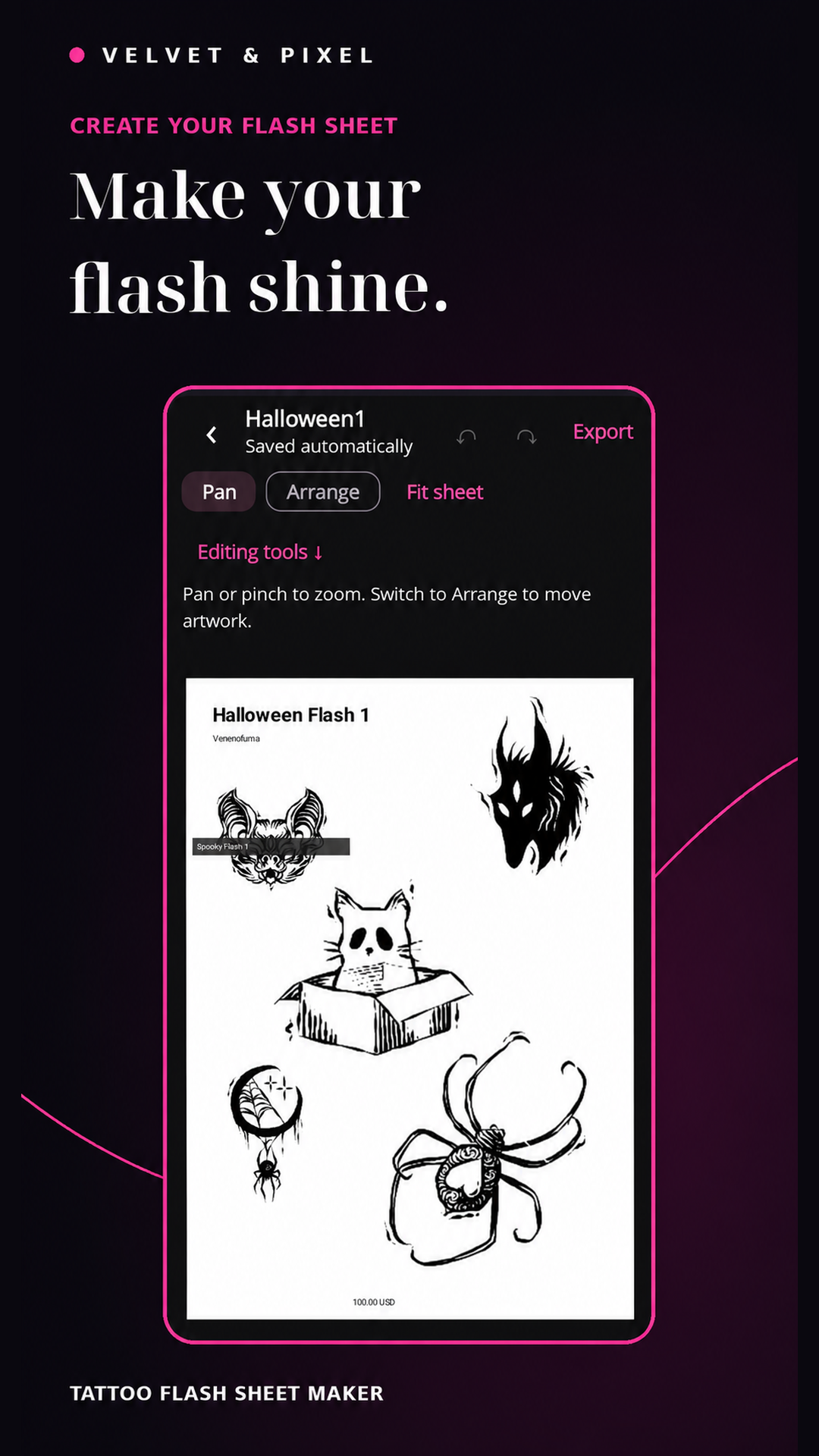
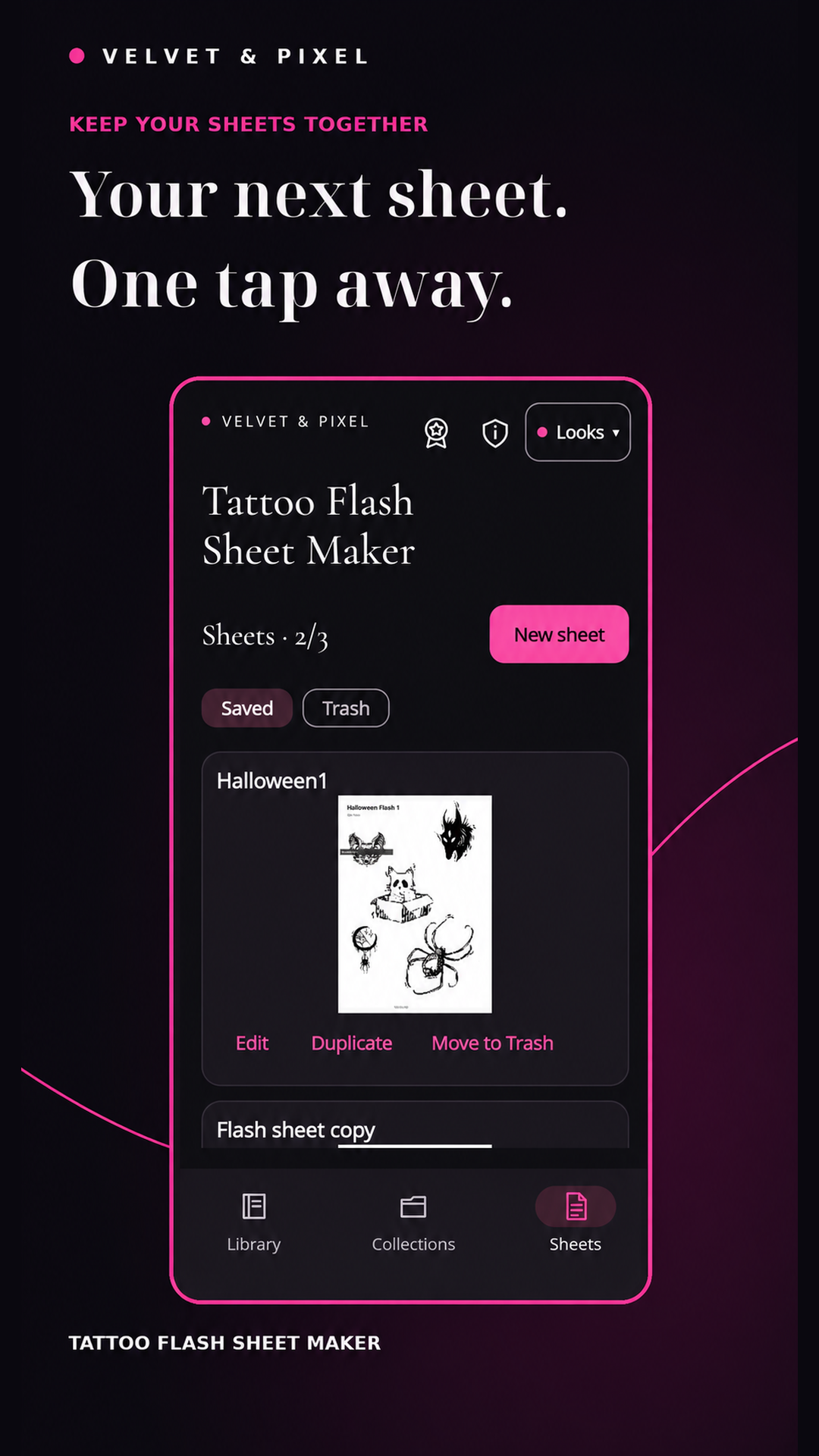
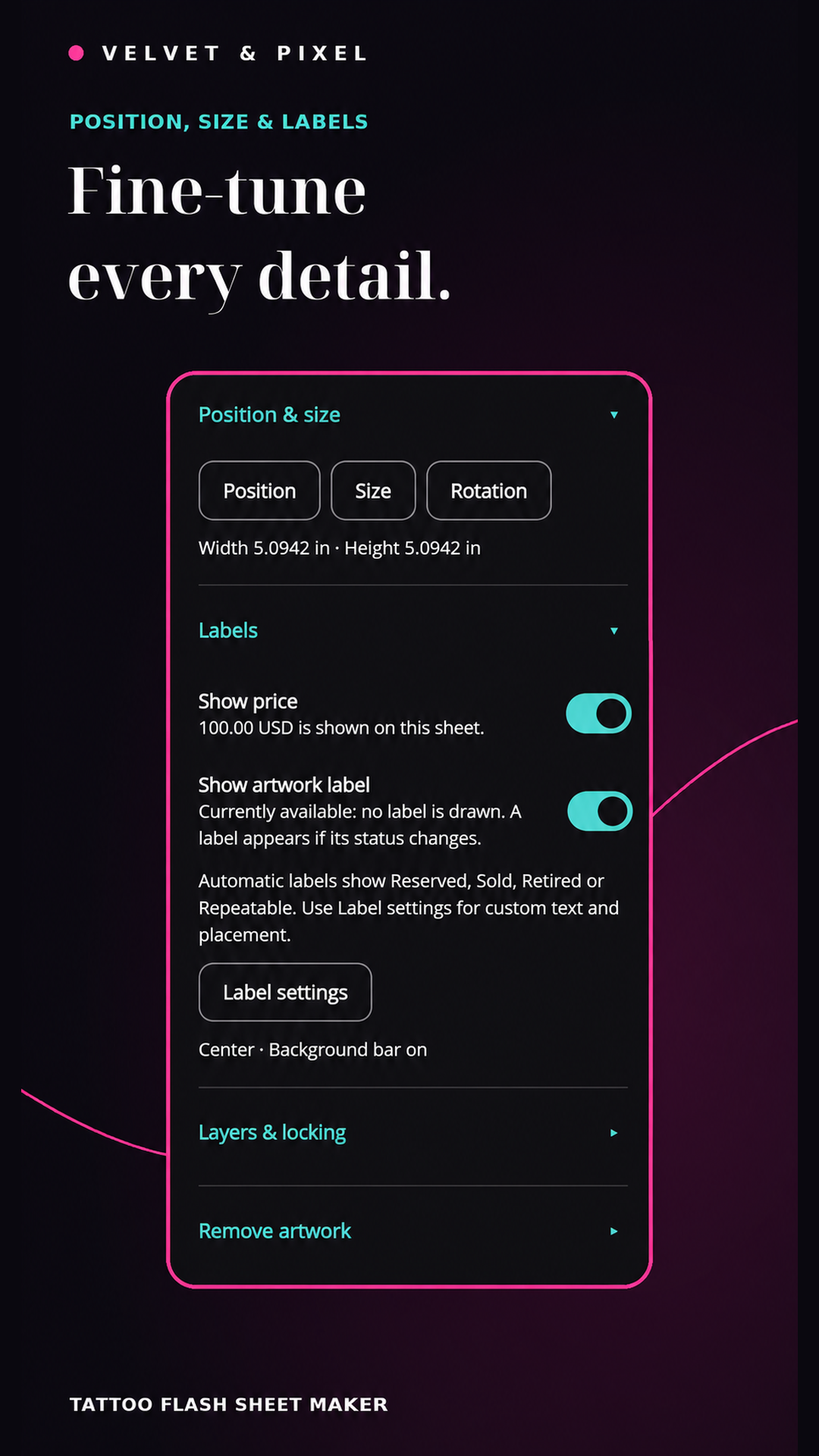
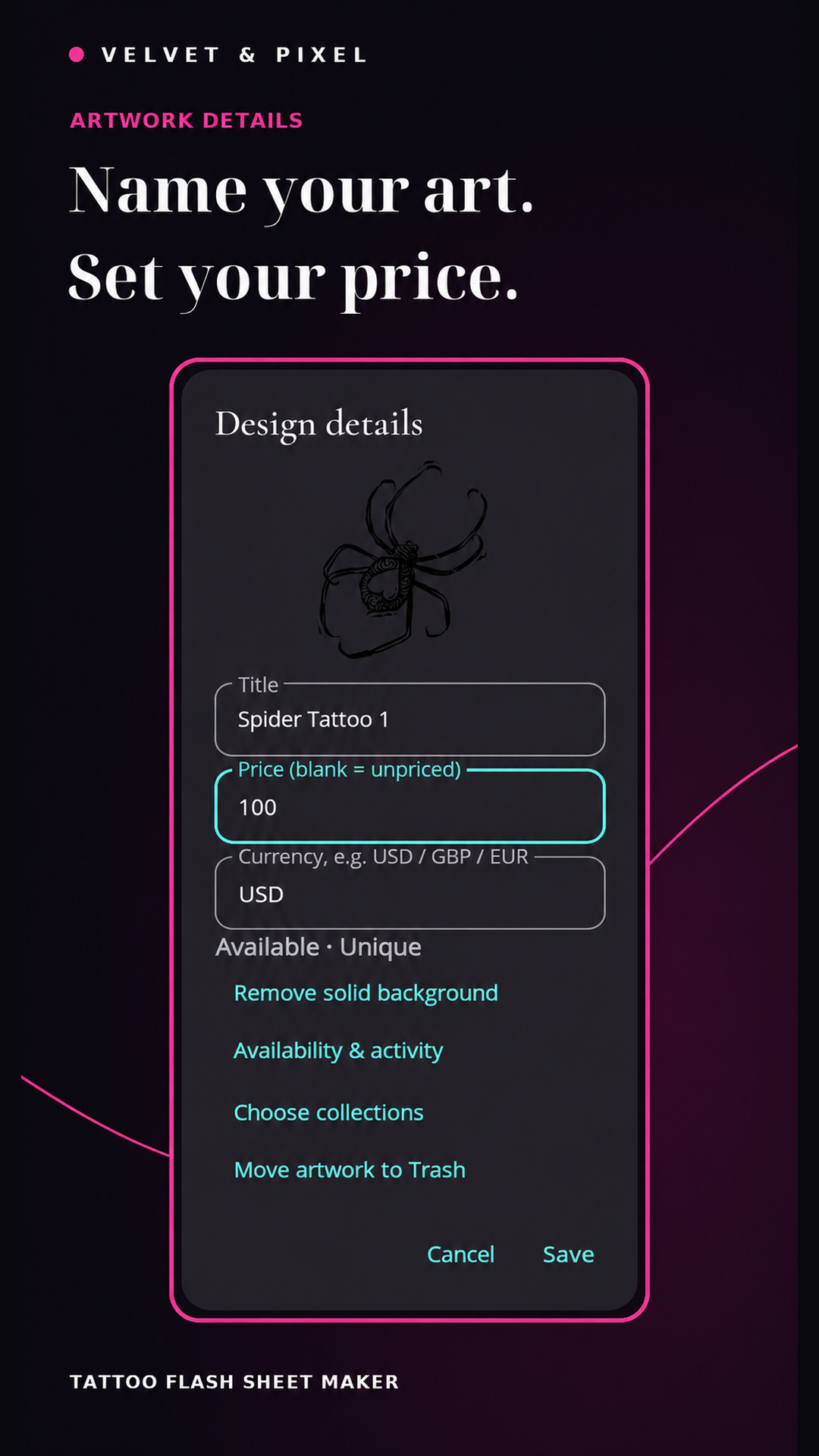
From artwork to flash sheet
See the workflow in action.
A working library. A thoughtful layout.
More than a page of pictures.
- Import PNG, JPEG and still WebP artwork; organize designs into collections and search by title.
- Add titles, prices and currencies. Track unique or repeatable designs, reservations, sales and retirement.
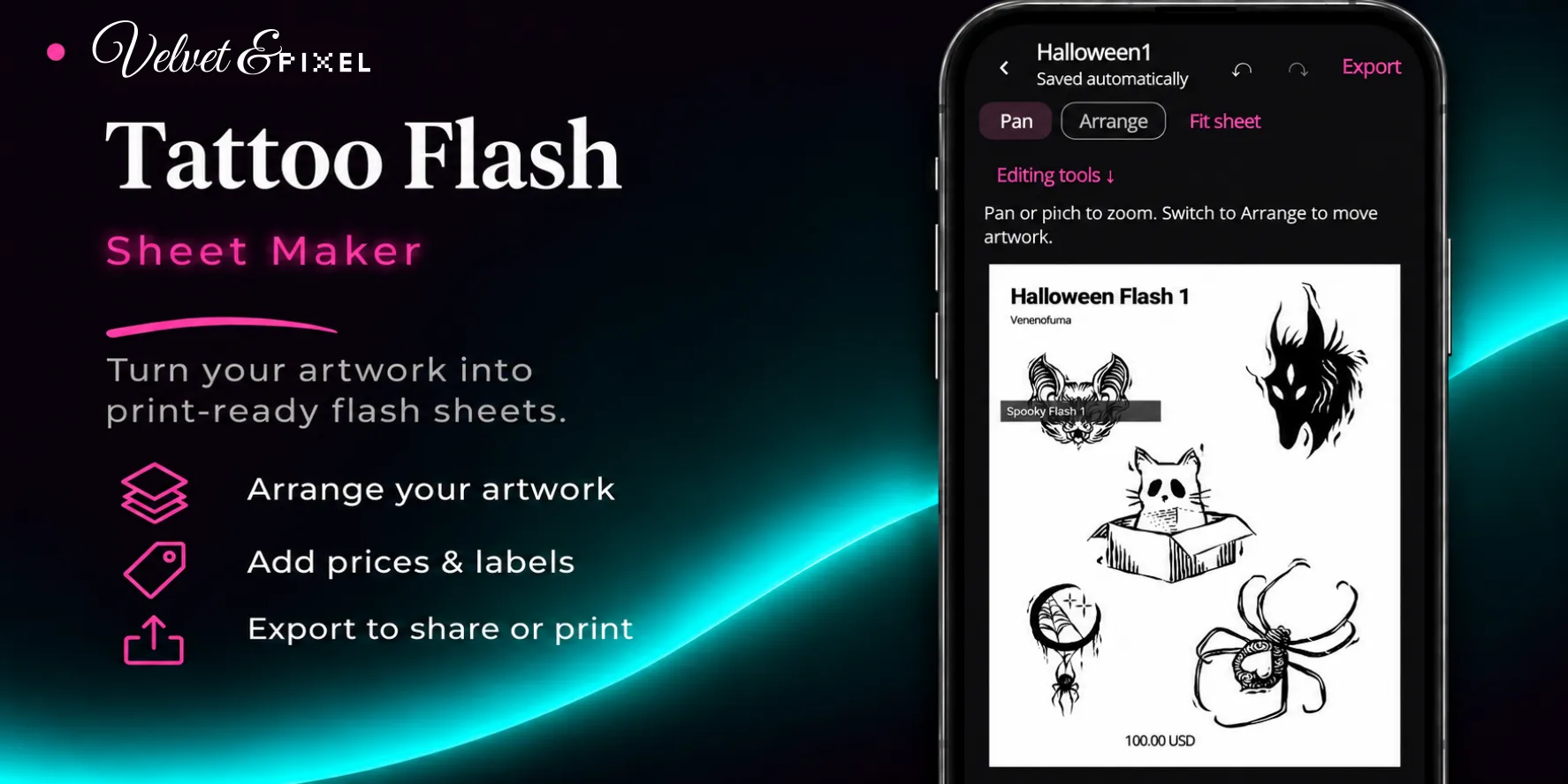
- Start with a grid or arrange manually. Move, resize, rotate, layer and lock artwork, with undo, redo and autosave.
- Use portrait A4, landscape or square sheets, with size controls in inches or millimeters.
- Add prices, availability badges and custom text labels, then choose their placement and background bars.
- Remove solid backgrounds locally with automatic color detection, a tap color picker, tolerance and edge controls. Keep your original artwork.
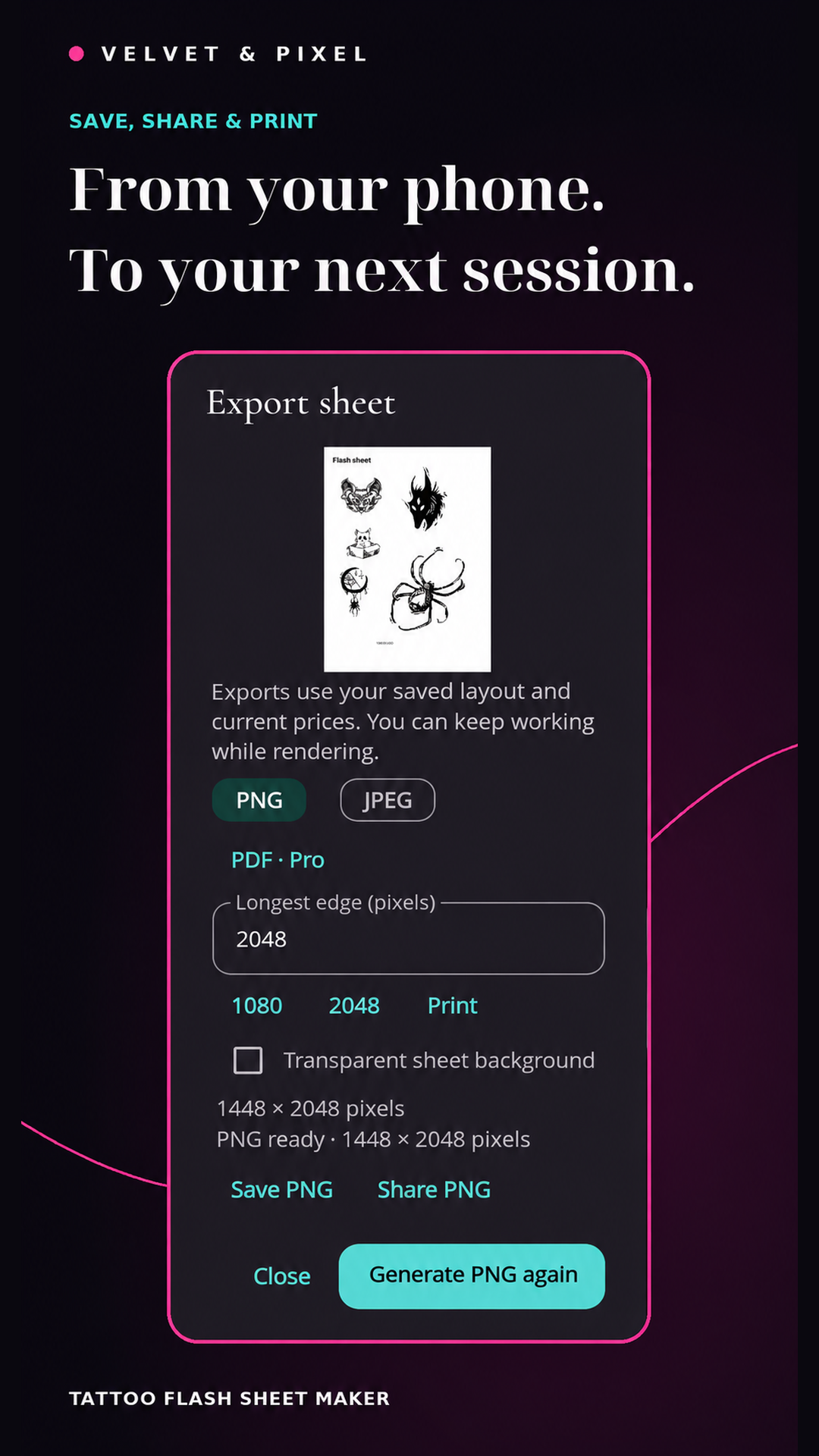
- Preview output size and save or share PNG and JPEG sheets. Pro also adds PDF export.
- Duplicate saved sheets, recover artwork and sheets from Trash, and back up or restore your library.
- Choose pink or teal accents and a light or dark appearance.
- Organize and edit on your device, without an account, ads or a subscription.
Each sheet supports up to 50 artwork placements, including with Pro.
Start with your own artwork
Build your library.
Make it yours.
The free version supports 50 active designs and three saved sheets. PNG and JPEG exports, solid-background removal, and backup and restore are included.
Room for more flash
Unlock unlimited library designs and saved sheets, plus PDF export. No subscription.
Purchase details will be available through Google Play when the app launches.
Your artwork stays with you
Create offline. Keep a backup.
Artwork, editing and sheet creation stay on your device. Google Play purchases and restoration require a connection.
Export backups somewhere safe: there is no cloud synchronization. Backup files are not encrypted, and restoring a backup replaces the current library rather than merging it.