Video & Creative Tools / Android
In Google Play review
SpinReelPhoto Roulette.
Your photos. Your pace. One final moment.
A rush of photos. A slowing rhythm. One final reveal. Turn your pictures into roulette-style videos with the pace, sound, and ending you choose.
SpinReel is currently in review on Google Play. A download link will appear here when the listing is public.
Build anticipation
Make the ending count.
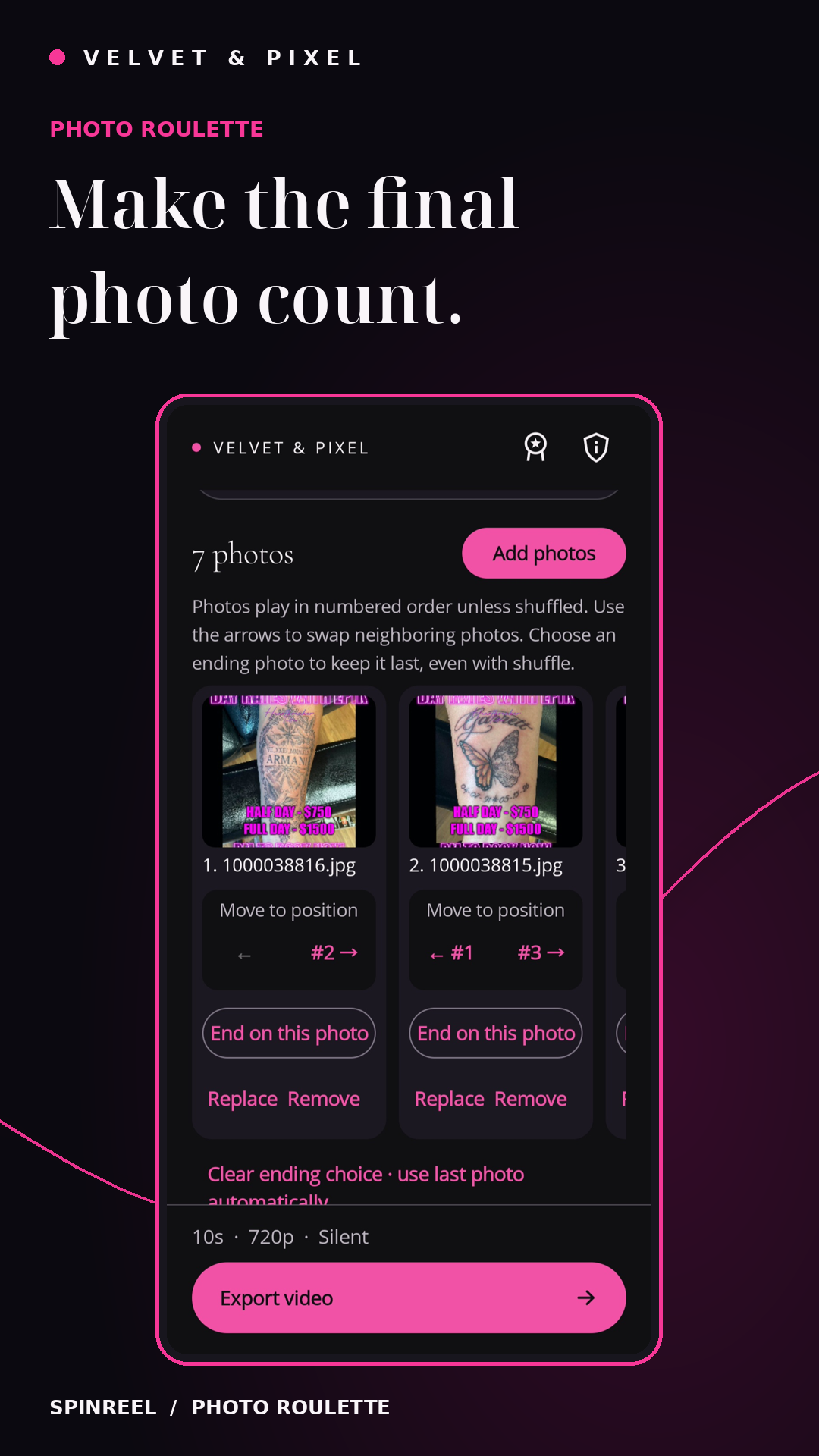
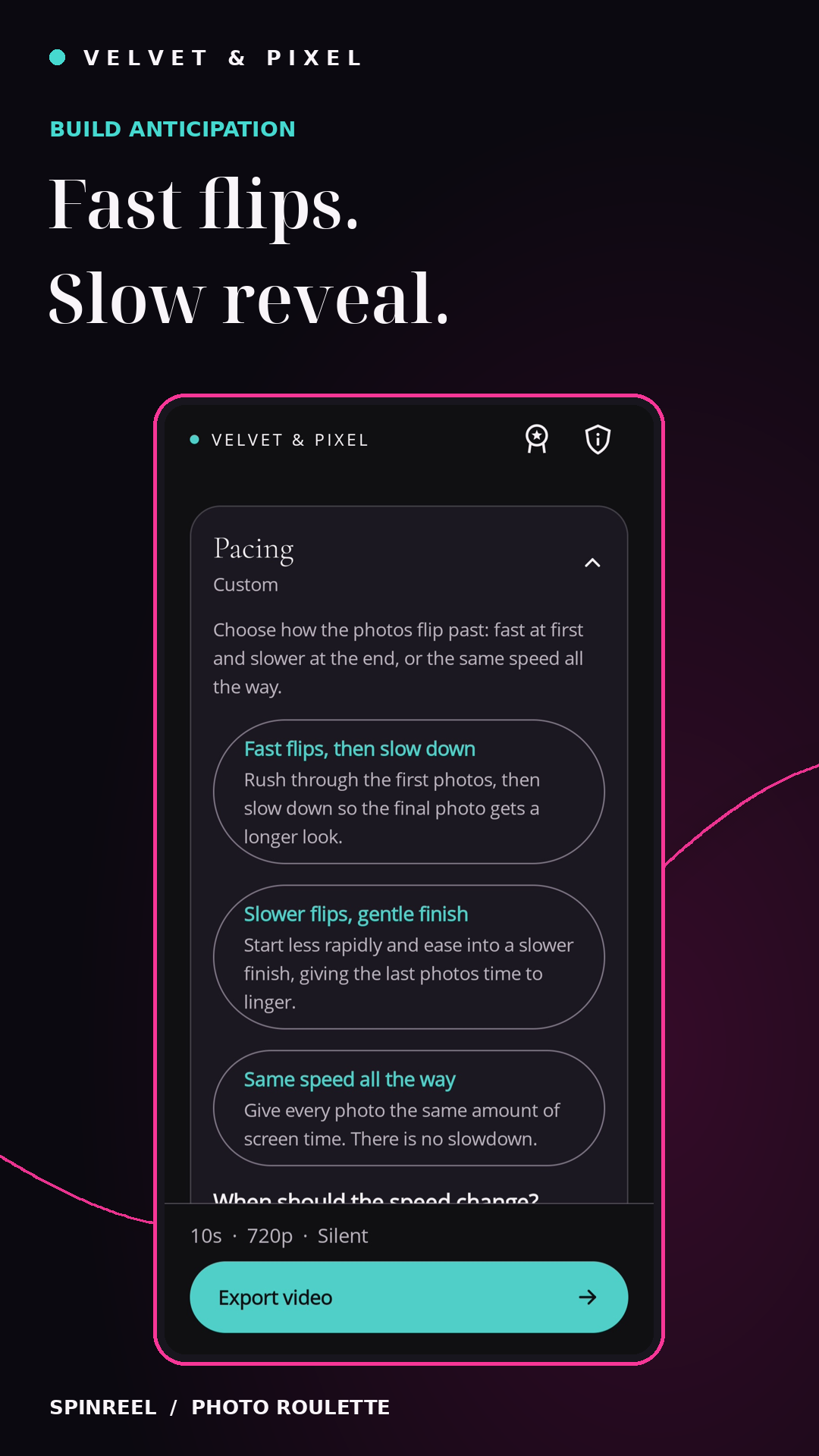
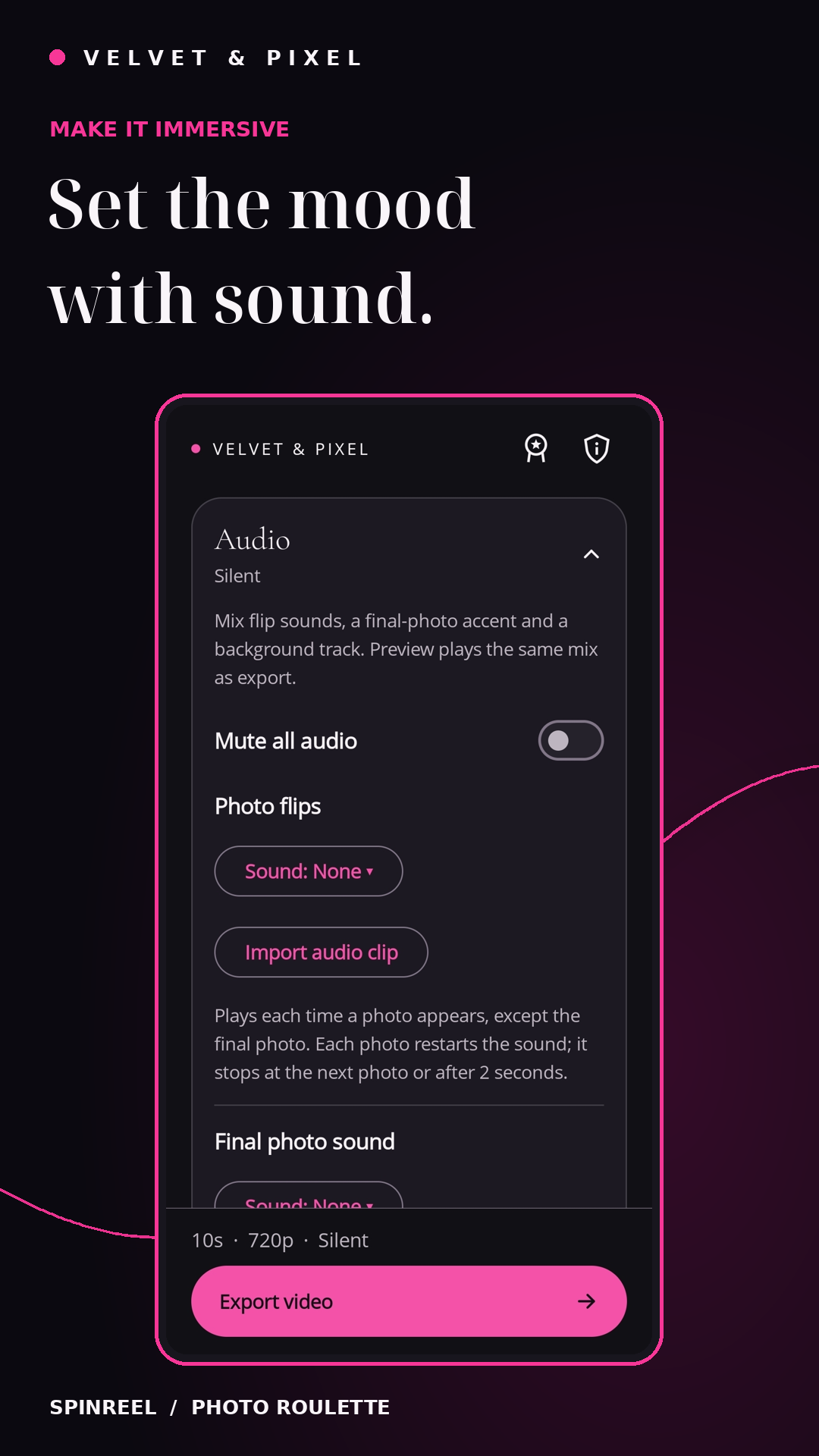
Explore the app in five screens. Select an image to view it full size.
See the buildup. Watch the reveal.
SpinReel in motion.
From the first flip to the final frame
Make the buildup yours.
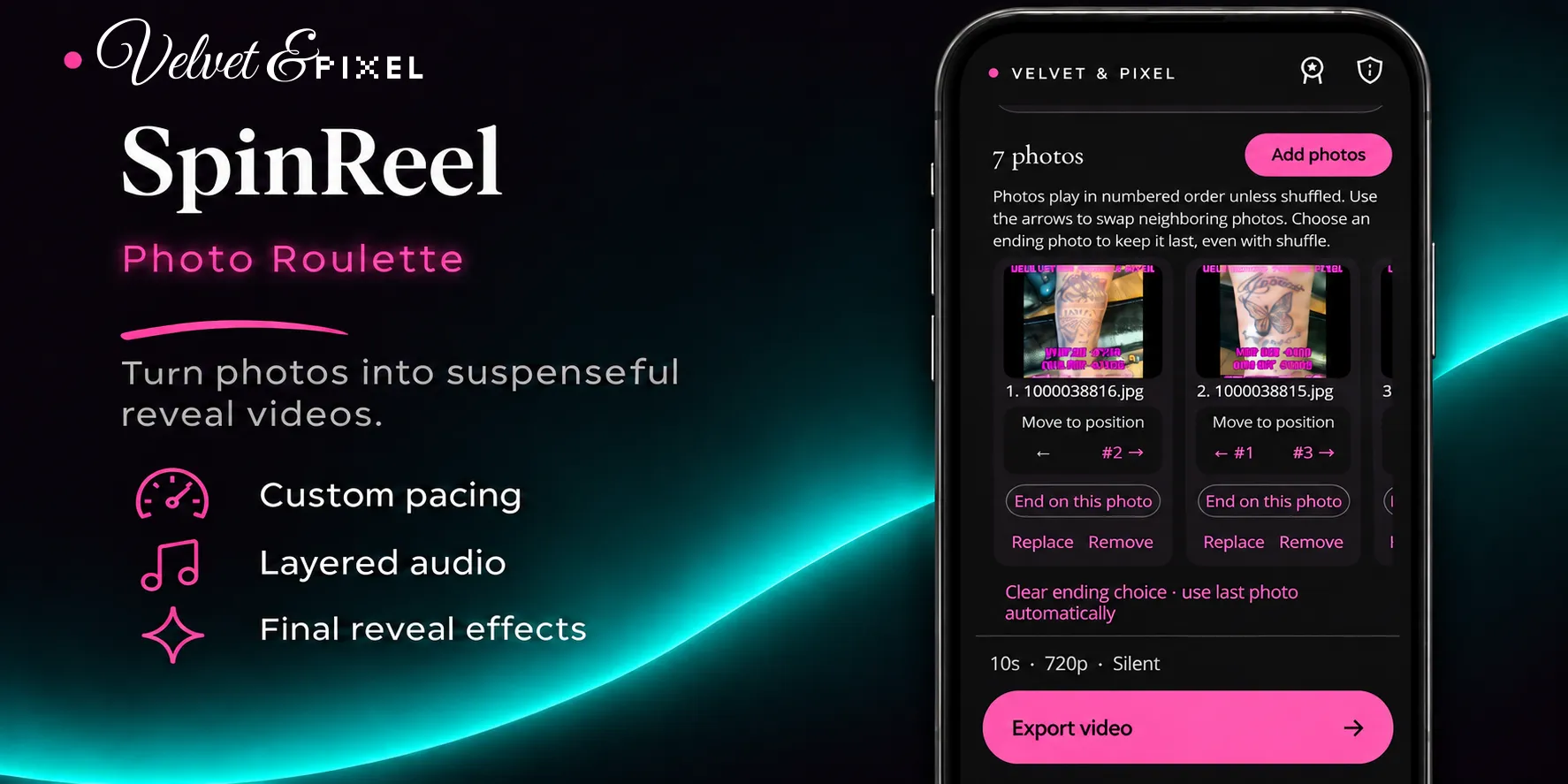
- Arrange your photos and keep your chosen final image in place
- Choose pacing presets or fine-tune a custom speed curve
- Set a sequence duration and add a two-second final hold
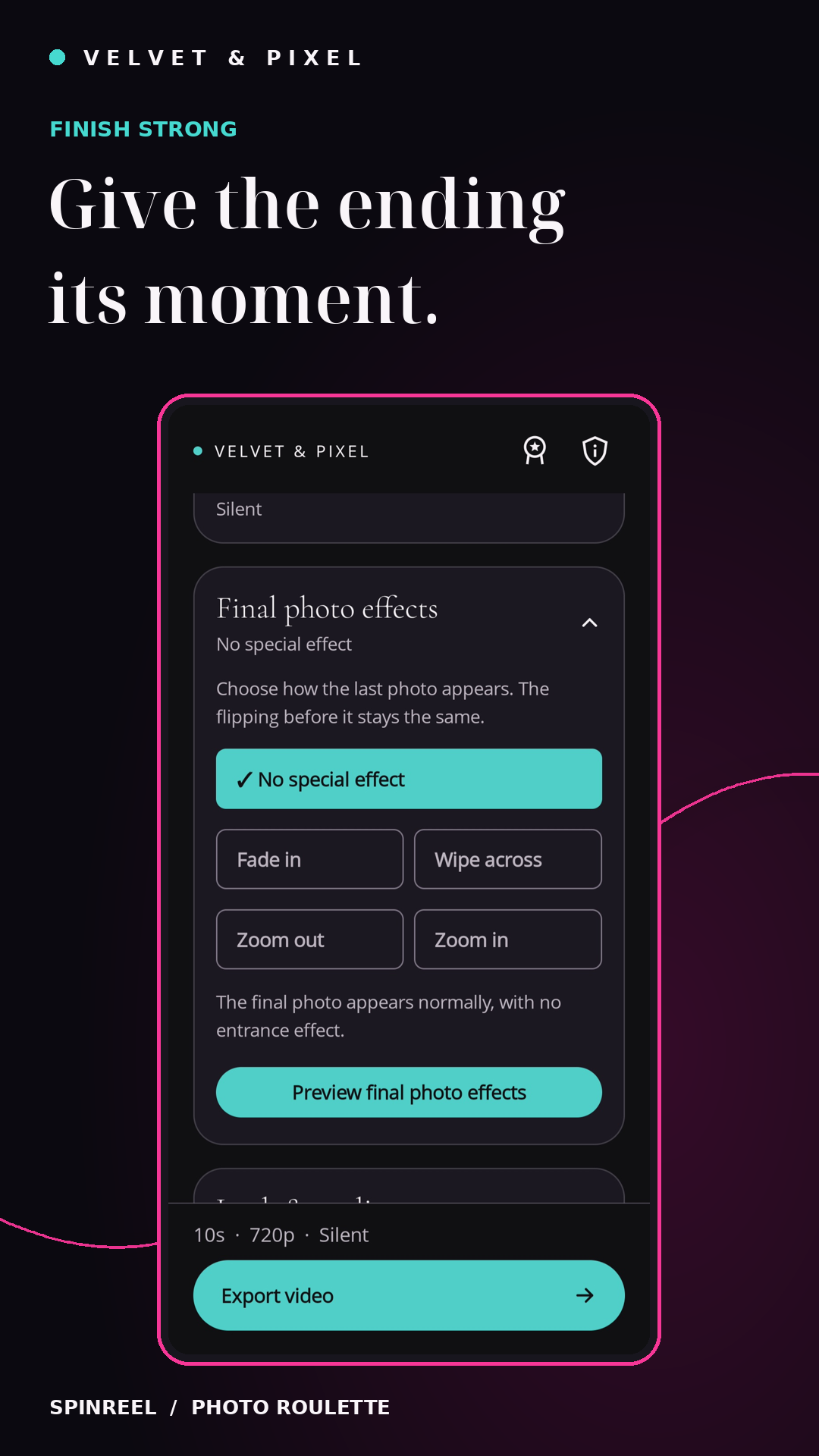
- Finish with a fade, zoom, wipe or a clean reveal
- Mix photo-flip sounds, reveal cues and imported background audio
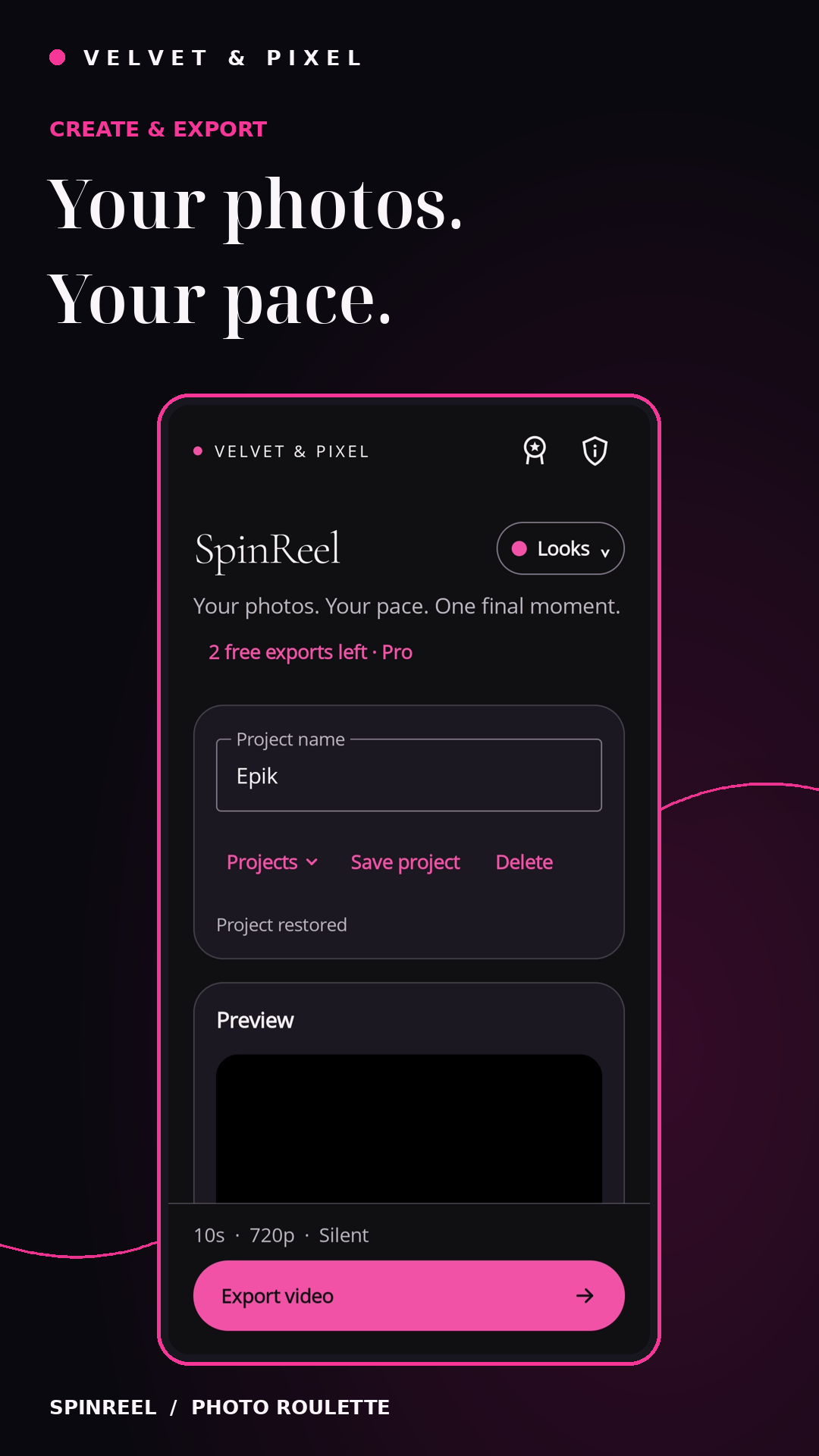
- Save projects and reusable settings presets
- Export portrait video at 720p or 1080p with Fit or Fill framing
- Choose pink, teal or white accents with a light or dark theme
Editing, audio mixing, and video rendering happen on your device. No SpinReel account is required.
Three free exports. Every editing feature.
Try the workflow.
Keep creating.
Successfully save three videos free with all editing features included. Failed or cancelled saves do not use a free export.
Editing projects and watching previews remain available after the free exports are used.
Unlimited exports
An optional one-time Pro purchase unlocks further video exports. No subscription.
Purchase details will be available through Google Play when the app launches.
Looking ahead
More ways to make it yours.
Text overlays, reveal captions, logos, and branding are planned for a future update. They are not included in this release.
Good to know
Before your next reveal.
Can I create offline?
Photo editing, audio mixing, and rendering take place on your device. Google Play purchases and restoration require a connection.
How do I keep my finished videos?
Save finished videos outside the app to keep them. Projects stay local to this installation. Keep the app visible and your phone unlocked while exporting.
How do I get help?
Email velvetandpixel@gmail.com with your app version and a description of the problem.